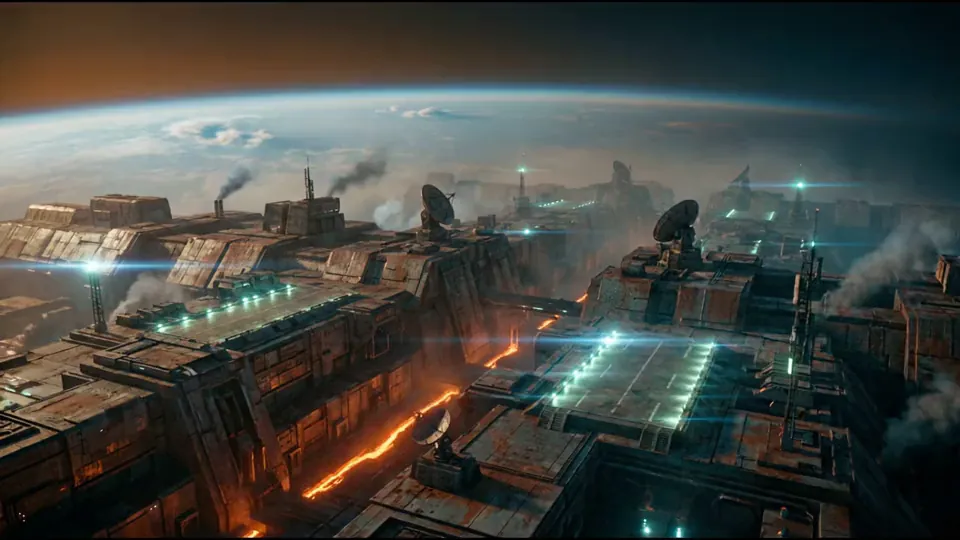
The film system of the future.
Early Access

Master Timeline — every step from story concept to finished film.

One workspace. One workflow. A complete film, made by one creator — from the first spark to the final frame.

Indie Filmmaking
YouTube & Long-Form
Animation & Game Design
Branded Content

Built for filmmakers, content creators, and anyone with a vivid imagination.

Every part of a film. In one place.

From a 30-second spot to a feature-length film — all in one workspace.

Story

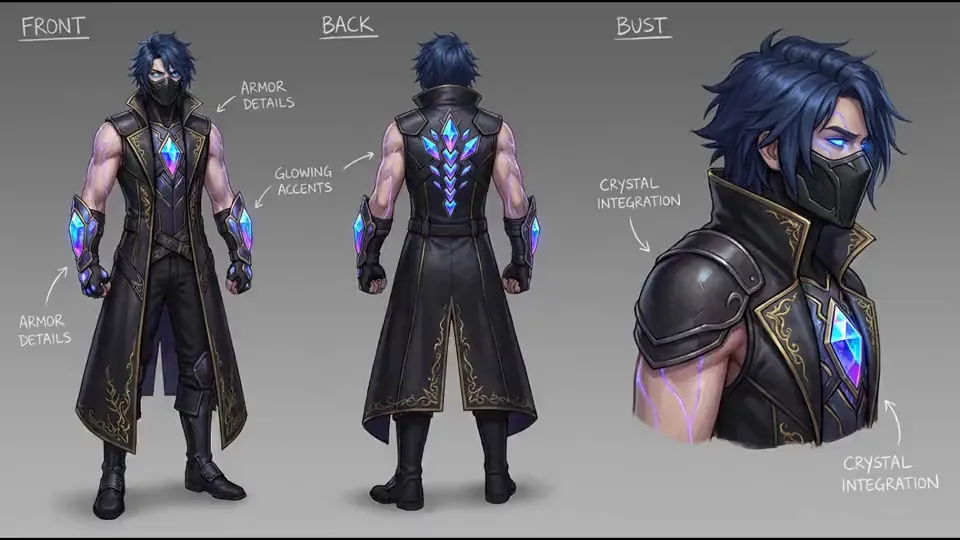
Type a concept. Watch your story take shape — beat by beat, panel by panel, with characters that stay consistent. Draft the screenplay. Get a scene breakdown ready for production. Every step on one canvas.

Production

Cut your film on a timeline that thinks like an editor. Compose shots side-by-side. Generate variants in parallel. The right tool finds you — when you need more, it’s there. When you don’t, it’s out of the way.

Crew

A director who shapes your story. An editor who times your cut. A cinematographer who composes your shots. A producer who keeps everything moving. Four AI collaborators who actually know your project — and work on the canvas with you.

AI does the work. You make the film.

The tedious parts — generating panels, syncing timing, building prompts — handle themselves. The creative parts stay yours.

A crew that never sleeps

Four collaborators, one for each part of the film. A director shapes your story. An editor times your cut. A cinematographer composes your shots. A producer keeps the project moving. They remember everything you’ve done — and they work on the canvas with you.

The right tool, every time

Beats. Panels. Video. Edits. Each task picks the best engine for the job — automatically, with seamless fallback if anything fails. You don’t need to know which one. Want control? Open Studio and choose.

Smart from the start

Music sets your pacing — your clips match it. Prompts include the camera, the mood, the character — automatically. One style guides every panel, so every shot belongs to the same film.

From concept to film. In six steps.

Steps 1–3 give you a storyboard. Steps 4–6 give you a film.

Step 1

Describe your story

Type a few sentences. Paste a script. Or let the AI spark the concept with you. Set the characters. Choose the style.

Step 2

Watch the beats appear

Story beats arrive — structured, paced, ready to shoot. Each one with its scene, its camera, its mood.

Step 3

See every panel come alive

Each beat becomes a frame — your characters, your style, every shot. Refine a line. Regenerate a panel. Keep the ones you love.

Step 4Film stage

Compose the timeline

Drag panels onto tracks. Add audio. Layer text. Tap to music. Your storyboard becomes a film.

Step 5Film stage

Bring it to motion

Turn any panel into a video clip. Add transitions, overlays, motion. Preview it on the canvas. See the cut you’ll ship.

Step 6Film stage

Take it anywhere

Export the rendered film. Pull image sequences. Ship a PDF storyboard. Hand it to a collaborator — or send it to the world.

Powerful where it matters. Simple everywhere else.

Every part works with every other part. Your story feeds the storyboard. The storyboard becomes the timeline. The timeline becomes the film.

Sweep-Through
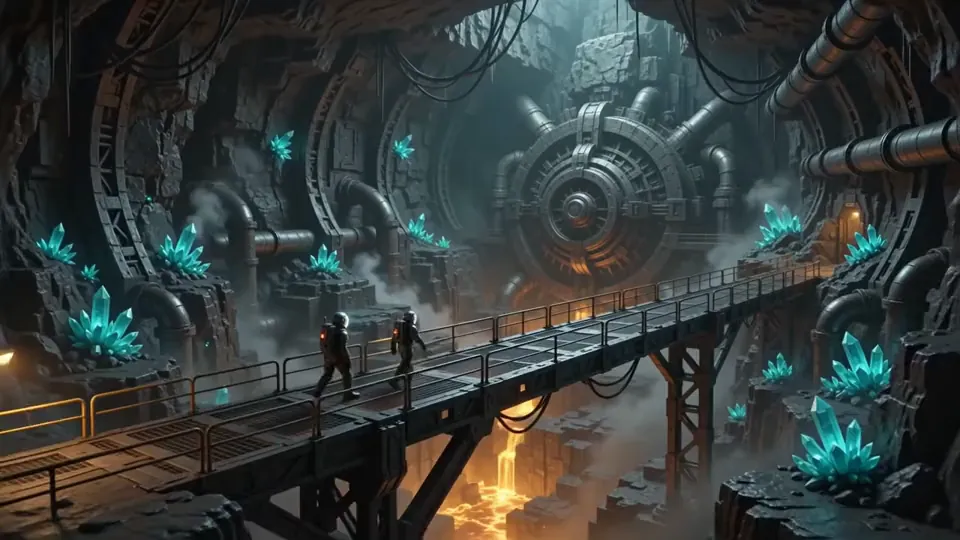
From idea to storyboard, in minutes. Type a concept. Watch the story take shape — beat by beat. Refine a panel. Regenerate the next. Or let it draft the pitch for you.
Studio
Compose shots side-by-side. Branch a character into three styles. Try two endings. Render every variant in parallel. When you want the power, it’s there — when you don’t, it stays out of the way.
Timeline
Cut your film like an editor. Six tracks for panels, audio, video, text, effects, and shapes. Forty-one effects. Tap-to-time to music. Caption import and export. Pro keyboard shortcuts. One simple canvas.
Screenplay & Notes
Write in the format the industry uses. Take notes in a familiar tree. Get a scene breakdown — characters, props, VFX — built for you. Every scene knows where it lives on the timeline.
Video
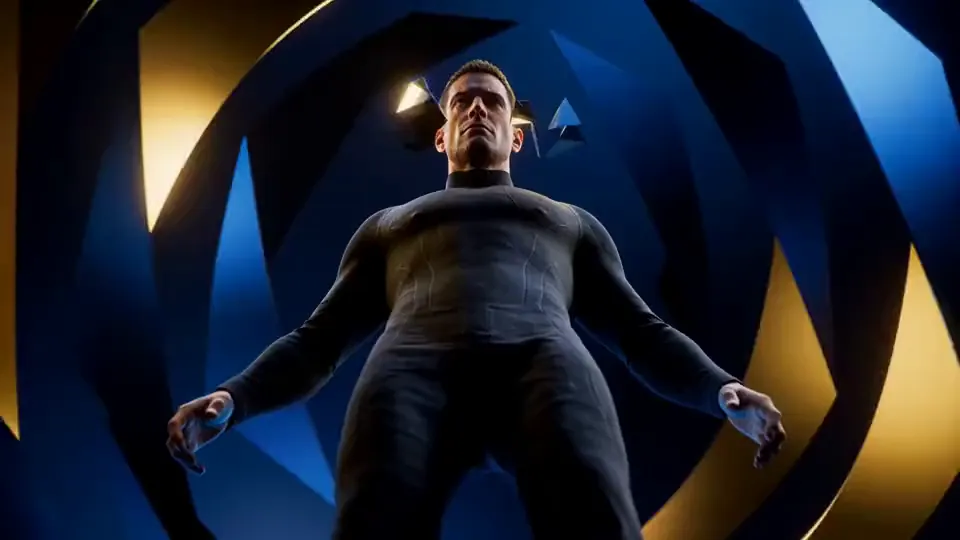
Turn any panel into motion. Smooth transitions from one frame to the next. Frame-accurate scrubbing. Generate multiple shots at once. The right tool finds you — and if you want, you can pick your own in Studio.
Drive
Every asset, every panel, every clip — in one place. Organized in collections. Filtered by type. Drag it to your timeline. Paste it across panels. Always in sync, on every device, every tab.

Most creators skip storyboarding. That's the problem.

Storyboarding is the single most effective way to plan a visual project. It forces you to think through shot composition, pacing, and narrative flow before you ever pick up a camera or open an editor. The projects that skip it spend hours in post discovering problems that take minutes to fix on paper.

The reason most creators skip it isn't laziness — it's access. Traditional storyboarding requires drawing ability, expensive software, or hiring a storyboard artist. For independent filmmakers, content creators, and small teams, none of those options scale.

The gap between "I have a vision" and "I have a plan" should not require a decade of schooling and $50,000 budget.

Half price your first month

One subscription. The whole film.

Every plan includes every part of the workspace. Pick the plan that matches the size of the work you’re shipping. Unused credits roll over for up to 12 months.

Starter
$7.50/mo
$14.99First month 50% off
0
credits per month
For your first films
Get Started
  • The full workspace — every module included
  • Story, panels, screenplay, scene breakdown
  • Multi-track timeline with 41 effects
  • Tap-to-time pacing to music
  • Four AI collaborators on your canvas
  • Image export
  • 12-month credit rollover
  • 10% discount on top-ups
Most Popular
Creator
$14.99/mo
$29.99First month 50% off
0
credits per month
For your ongoing creative work
Get Started
  • Everything in Starter
  • AI video generation
  • Priority generation queue
  • Email support
  • 20% discount on top-ups
Pro
$25.00/mo
$49.99First month 50% off
0
credits per month
For shipping films every week
Get Started
  • Everything in Creator
  • Priority support
  • 40% discount on top-ups
  • API access (coming soon)
How credits work
Panels
545 credits each — depending on the quality you choose
Video clips
4590 credits each
Story & chat
A few credits per beat, edit, or AI conversation
Example — a 10-panel video-ready project
Story beats (~4) + 10 panels (~150) + a couple of rerolls (~45) + 5 video clips (~225–450) ≈ 425–650 credits. Starter covers two of these every month.

Questions, answered

Do I need a subscription?

Yes. Every plan includes every part of the workspace — the only thing that changes is how much you can make each month and the level of support you get.

What can I do with credits?

Credits power everything you make — story beats, panel images, video clips, edits, AI chat. One pool, no separate limits.

Do credits expire?

Credits roll over month to month and stay valid for 12 months from the day they’re added.

Is there a free trial?

Every plan is half price for the first month. Try any tier at 50% off to find the right fit.

Make something only you could make.

Thirty-second spots. Twelve-minute explainers. Feature-length films. Master Timeline is where you create them all.

Free to sign up. 50% off your first month.